Can You Burn a Spotify Playlist to a CD? What Actually Works in 2026
You have the playlist and you want it on a disc, but Spotify has no button for that. Here is the honest answer and what actually works.
You have the playlist. Maybe it took an evening, maybe it took three years. Now you want it on a disc: for a car that still has a CD player, for someone who does not use Spotify, or because a link feels like too little for what those songs mean.
So you open Spotify, look for a button that says burn, export or save to disc, and find nothing.
The short answer
No. You cannot burn a Spotify playlist to a CD directly. Spotify has no export or burn option on any plan, and the songs you download for offline listening are locked files that only play inside the app.
What you can do is use the playlist as a tracklist and get the same songs onto a CD another way. There are three honest routes, and they suit different people.
Why Spotify does not let you
A Spotify subscription gives you permission to listen, not copies of the songs. The music arrives as a protected stream. Even with Premium, the tracks you download stay encrypted on your phone or laptop and stop working if the subscription ends.
A CD burner needs ordinary audio files to write to a disc. Spotify never hands those over, so there is nothing for the burner to work with. The same is true of songs added from an Apple Music subscription.
You will find apps that promise to convert Spotify to MP3. They work by recording or unlocking the stream, which goes against Spotify's terms of use, and the results are uneven. They are not a route worth building a gift on.
What actually works
The first route is to buy the songs. Stores that sell music as downloads give you real files you own, and those can be burned. Go through your playlist, buy the tracks, and you have everything a burner needs. For a short playlist this is reasonable. For twenty songs it adds up, and a few tracks may not be for sale anywhere.
The second route is to use CDs you already own. If some of the songs sit on albums on your shelf, a computer can copy them and combine them with the tracks you bought. It takes patience, but it is the way mix CDs were always made.
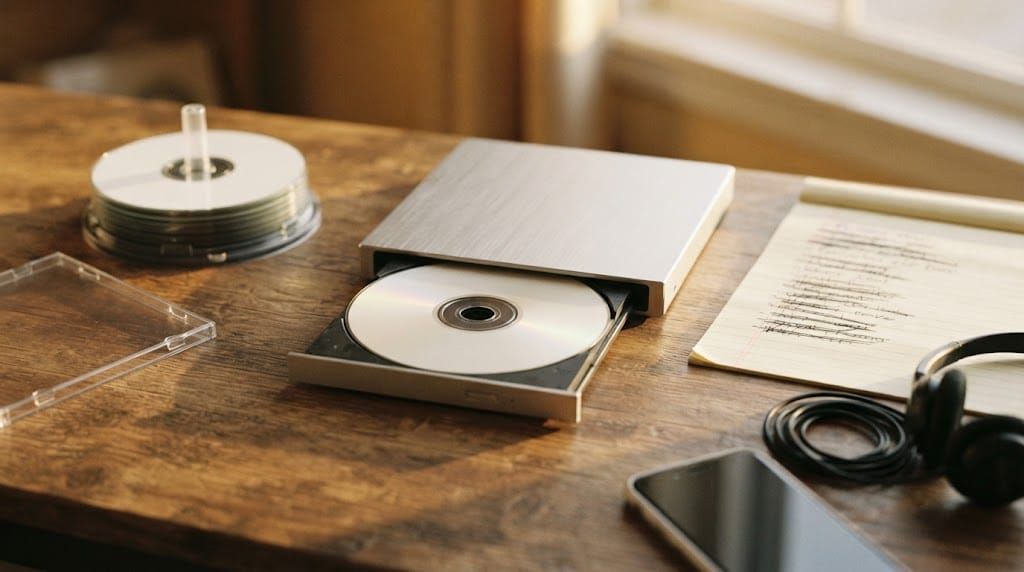
Either way, you then need a computer with a disc drive. Most laptops no longer have one, so that usually means an external USB CD burner and a pack of blank CD-R discs. On a Mac, the Music app can burn a playlist to disc. On Windows, the classic Windows Media Player does the same job.
The third route is to have the CD made for you. You keep building the playlist in Spotify, exactly as you do now, and a custom CD service turns that tracklist into a finished disc with its own cover. This is the route to take when the disc is a present, and there is a full walk-through of how to turn a Spotify playlist into a physical gift.
If you burn it yourself, check three things
Choose audio CD, not MP3 or data disc, when the software asks. An audio CD plays in any CD player, including older car stereos. A data disc full of MP3 files will only play in some.
Watch the length. A standard CD holds about 80 minutes of music, which is usually eighteen to twenty songs. A longer playlist has to be trimmed, and trimming often makes it better.
Think about the order. On Spotify, people shuffle. On a CD, track one is always track one, so the sequence becomes part of what you are saying. If you have never arranged songs on purpose, it helps to read about how to pick the right song order for a mixtape before you burn anything.
When the playlist is meant for someone else
A home-burned disc with a title in marker pen has its own charm. It is also easy to get wrong: a track that skips, a blank silver disc in a paper sleeve, a drive you had to buy for one evening.
If the CD is for an anniversary, a birthday or someone far away, the finished object matters as much as the songs. A custom CD arrives as a real audio disc that plays in any CD player, with a cover and insert that look like they belong to the music. If the idea is new to you, here is what a custom CD is and how it works.
The playlist is already the hard part, and you have done it. Getting it onto a disc should be the easy part.
When you're ready, start creating your own mixtape.