How to Make a Party Flyer in Canva: A DJ's Guide
The flyer decides the crowd before the first record does. Here's how to make one that gets the right people through the door.
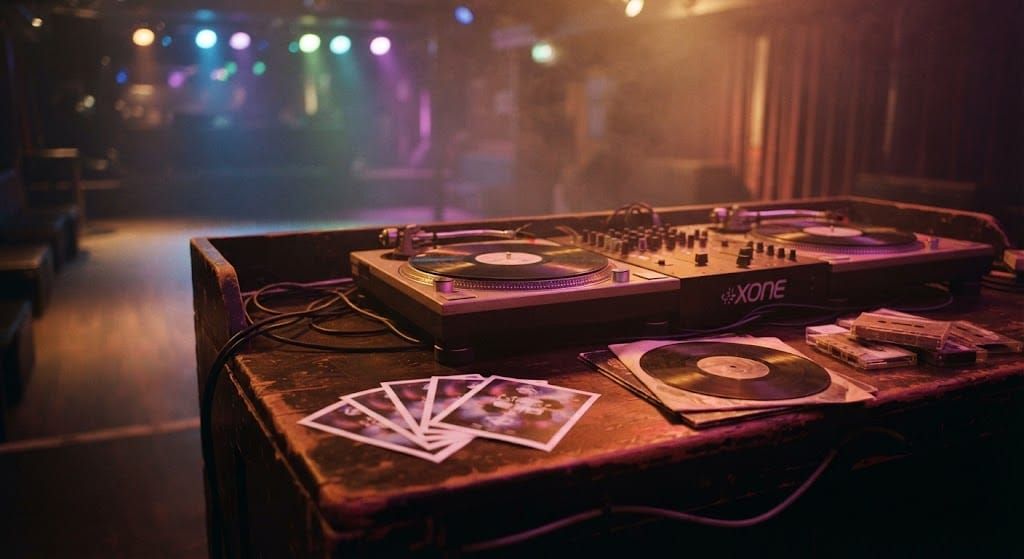
The date is set, the venue is booked and the playlist is half built in your head. Now you need people to actually show up. For most parties, that job falls to a single square image posted on Instagram, dropped into a WhatsApp group and maybe printed and pinned to a café noticeboard. It has a few seconds to do its work before someone scrolls past.
After thirty-five years of playing everything from club nights to birthday parties, one thing hasn't changed: the flyer decides the crowd before the first record does. A good one tells people what kind of night it is, who it's for and why they shouldn't miss it, all in a glance. A confusing one gets ignored, no matter how good the music turns out to be.
What every party flyer needs
Start with the information people need to come: the name of the night, the date, the start time and the venue. Those four things should be readable from arm's length on a phone screen. If a guest has to zoom in to find the date, the flyer has already lost them.
Then add what makes your night different. The DJ or the music style, a dress code, a theme, free entry before midnight, a pool, a terrace. Pick one or two of these, not all of them. A flyer that tries to say everything ends up saying nothing, and the details can always go in the caption or the event page.
Finish with a way to act: a ticket link in the bio, an RSVP number, a hashtag. People need to know what to do next.
Design that reads in a second
The strongest flyers usually have one big idea. A single striking image, a bold headline and plenty of breathing room around the text. Choose two fonts at most, one loud for the title and one clean for the details, and make sure the text stands out against the background. White type over a busy photo almost never works without a dark overlay behind it.
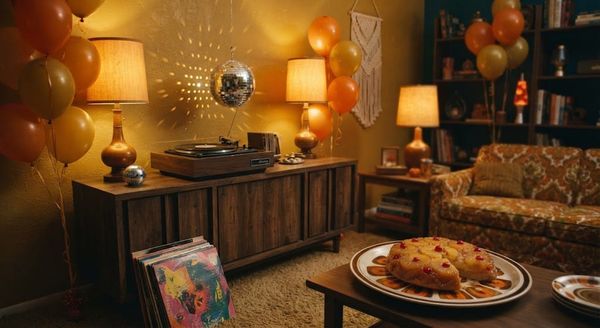
Colour carries the mood before anyone reads a word. Neon pinks and electric blues say club night. Warm oranges and yellows say Sunday daytime party. Soft pastels with lots of white say birthday brunch. Match the palette to the music you'll actually play and the right people will recognise themselves in it.
Design in a square format, 1080 by 1080 pixels, because that's the size that works across Instagram, Facebook and messaging apps without awkward cropping. If you also need a printed version, export a high-resolution PDF and check the size requirements with your printer before you send it.
A faster way to start
Designing from a blank canvas takes time, and when you're organising a party there's rarely much of that left. Our 52 party flyers bundle for Canva gives you 52 ready-made designs for club nights, birthday celebrations, pool parties, Sunday parties and retro-inspired events. You open the pack in Canva, pick a design, change the names, dates, times, venue and event details, and download it as a PDF, JPG or PNG for social media or printing.
A couple of honest notes before you buy. The designs are 1080 by 1080 pixels, so if you need a story or poster format you'll have to resize them yourself. Some artwork is image-based, which means you can change the text but not every individual graphic. And the pack uses premium Canva elements, so you may need Canva Pro, or to pay for those elements, to export without watermarks. Editing works best on a laptop or desktop rather than a phone.
Give guests something to take home
Here's a trick that has worked for DJs since long before social media: give people the night to keep. A limited run of CDs or cassettes with the evening's set, or a mix in the spirit of the party, turns a good night into a souvenir. It works as a thank-you for the first fifty guests, as a birthday favour, or as a small piece of merch for a residency you're trying to build.
The flyer gets people through the door. The mixtape is what they find in their bag the next morning, and what reminds them to come back next time. You can create a custom CD or cassette with your own cover and tracklist, and match its design to the flyer so the whole night feels like one identity. If you're curious why something physical lands so differently from a link, our piece on why physical music hits different explains it well.
Post it at the right time
Share the flyer around two weeks before the party, then again a few days before and on the day itself. Post it as a single image rather than inside a carousel, and pin it in group chats so it doesn't get buried. If you print copies, put them where your crowd already spends time: the record shop, the bar next door, the gym, the café where the barista knows everyone.
A great party starts long before the music does. It starts with an image that makes the right people stop, look and save the date.
When you're ready, start creating your own mixtape.