How to Make a DVD Cover for Home Movies or a Wedding Video
Home videos deserve better than a forgotten folder. A disc and a proper cover can bring them back into the family.
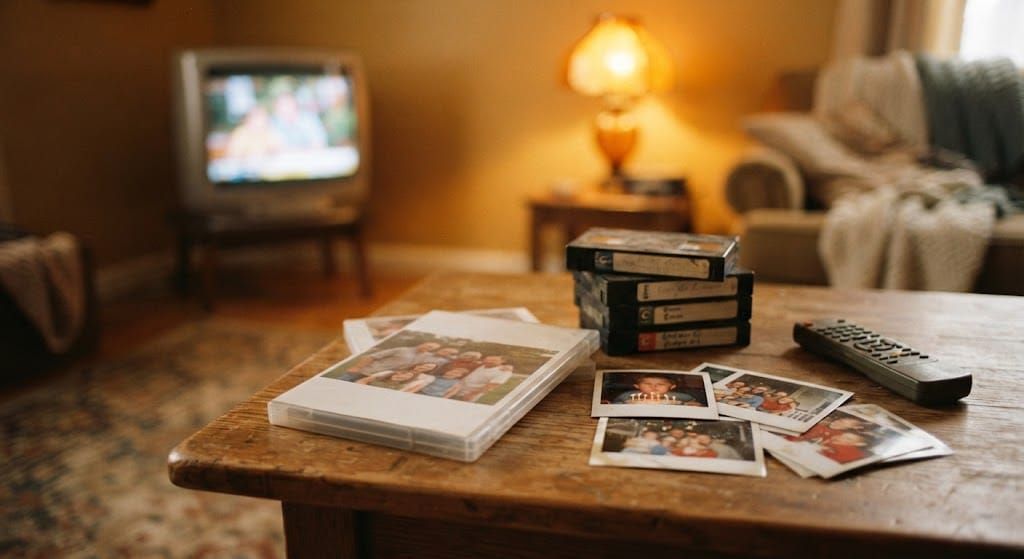
Somewhere in most homes there's a box of memories waiting for the right moment. Old camcorder tapes, a wedding video someone filmed, years of holiday clips sitting on a phone or a hard drive. Turning them into a DVD is one of the kindest things you can do with them, especially for parents and grandparents who would rather press play on a remote than scroll through a cloud folder.
The disc keeps the footage. The cover is what gives it a place on the shelf. A plain case with "Summer 2019" scribbled on the spine gets lost among the others. A case with a real photo, a title and a few lines on the back becomes something people pick up, open and watch again.
Why a DVD still makes sense
Streaming has replaced DVDs for films, but not for family memories. A DVD doesn't depend on a password, a subscription or a link that stops working. It plays on the player under the television in a grandmother's living room, and it can be handed to someone as a gift, which a shared folder never quite manages. It's the same reason physical music hits different: something you can hold carries a weight that a file doesn't.
For weddings, anniversaries, a child's first years or a big family trip, a finished DVD with a proper cover turns footage into a keepsake.
Understanding the cover layout
A standard DVD case uses a single sheet that wraps around the outside. The front and back panels are each about 5.06 by 5.88 inches, roughly 129 by 149 millimetres, with a narrow spine of about 0.38 inches in between. Laid flat, the full cover is wider than a sheet of A4 or US Letter, so check your printer settings or plan to print at a copy shop.
Cases do vary, especially slim cases and multi-disc boxes, so measure the clear sleeve on yours before you design. If your case is fully transparent, you can also print an inside panel that shows through when the case is opened, a lovely place for a photo collage or a short message.
What to put on each panel
The front cover needs one strong image and a title. Choose a photo with a clear subject and some space around it, rather than a group shot where faces end up tiny. The title can be simple: "Our Wedding", "Rome, 2024", "Lucía's First Year". A date underneath gives it a sense of occasion.
The spine is what people see on a shelf, so keep it short and readable. The back is where you can tell the story. A short paragraph about the day, a list of chapters if the video has them, the names of the people in it, or a quote that means something to the family. Think of it as the back of an album sleeve, written for one specific audience.
Printing tips
Design at 300 DPI and keep important text inside the safety margin so nothing gets trimmed. Print on a satin or matte paper around 120 to 170 gsm. It slides into the clear sleeve easily without curling. Print at 100% scale, cut along the trim lines with a craft knife and a ruler, and fold the spine gently before inserting it. As always, a test print on plain paper is the fastest way to check everything lines up.
A template with the guides already in place
If you'd rather not set up panel sizes and bleed lines yourself, our editable DVD cover template for Canva includes front, back, spine and inside layouts, with bleed, trim, safety and fold guides marked for you. It comes with a six-page PDF of layouts, print guides and design examples. You open it in Canva, add your photos and text, change the colours and backgrounds, and export it ready to print. You'll need a Canva account, and Canva may charge for any premium elements you choose to add.
Add the soundtrack
A wedding video or a family film always has music in it: the first dance, the song playing in the car on that road trip, the track everyone sang along to at the party. Giving those songs their own home is a beautiful companion to the DVD. A custom CD or cassette with the soundtrack of the day, designed with a matching cover, lets people relive it in the car or the kitchen without needing the television at all. For anniversaries, our guide to choosing the songs for a custom anniversary CD can help you build that tracklist.
Put the DVD and the CD side by side in a box, and you've given someone both the pictures and the sound of a day they never want to forget. If you want to understand why those songs bring the memories back so vividly, our piece on songs, nostalgia and memory explores just that.
Home videos deserve better than a forgotten folder. A disc, a cover and a few well-chosen words are often all it takes to bring them back into the family.
When you're ready, start creating your own mixtape.